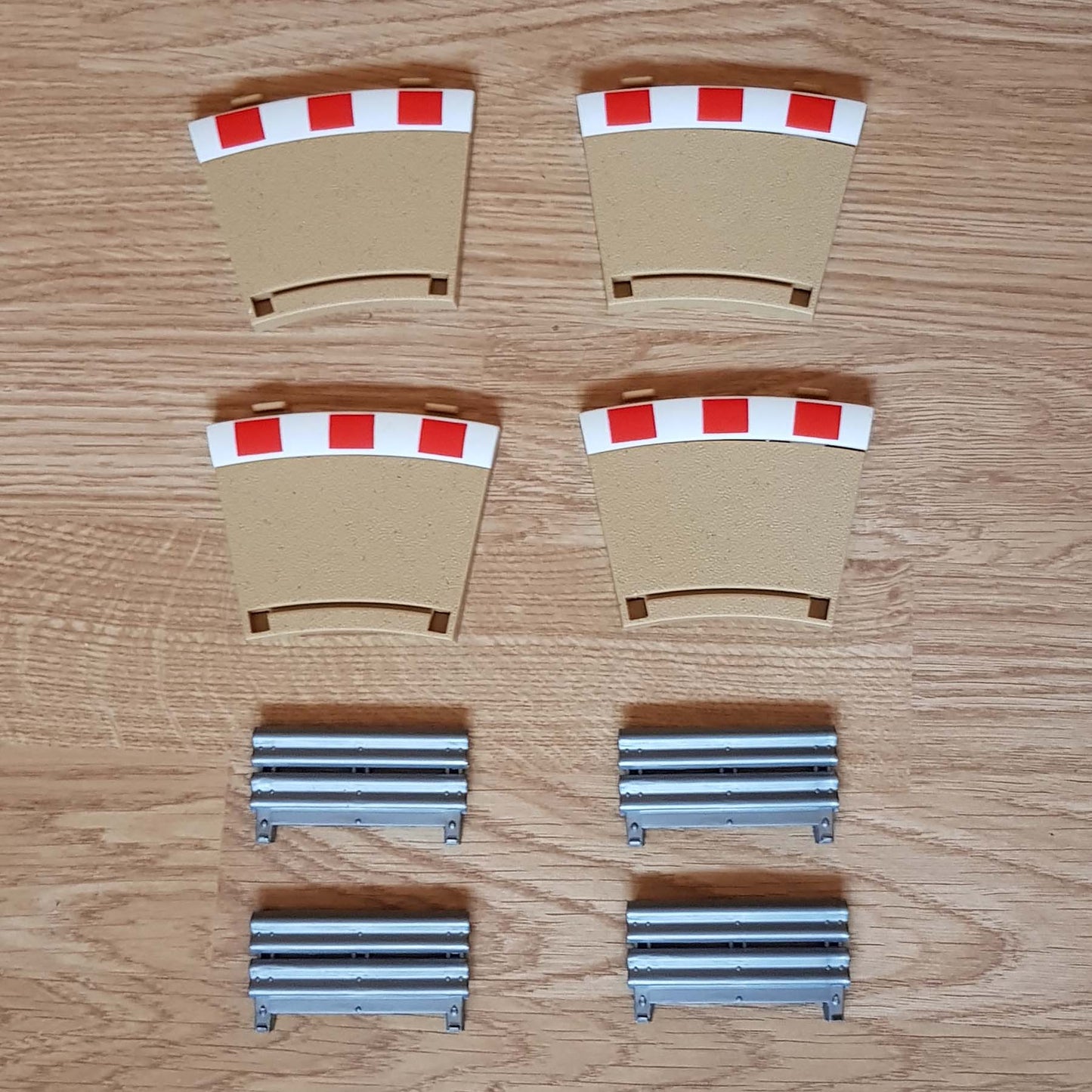

Scalextric C8280 Rad2 Curve Inner Borders & Barriers 22.5º 'BM' x 4
Scalextric C8280 Rad2 Curve Inner Borders & Barriers 22.5º 'BM' x 4
Verfügbarkeit für Abholungen konnte nicht geladen werden
🏆🏁 Order and get 45 reward points 🏁🏆
Earn points by signing up for our rewards program
Scalextric C8280 Rad2 Curve Inner Borders & Barriers 'BM' x 4
This Scalextric C8280 is in excellent used condition.
Perfect working order.
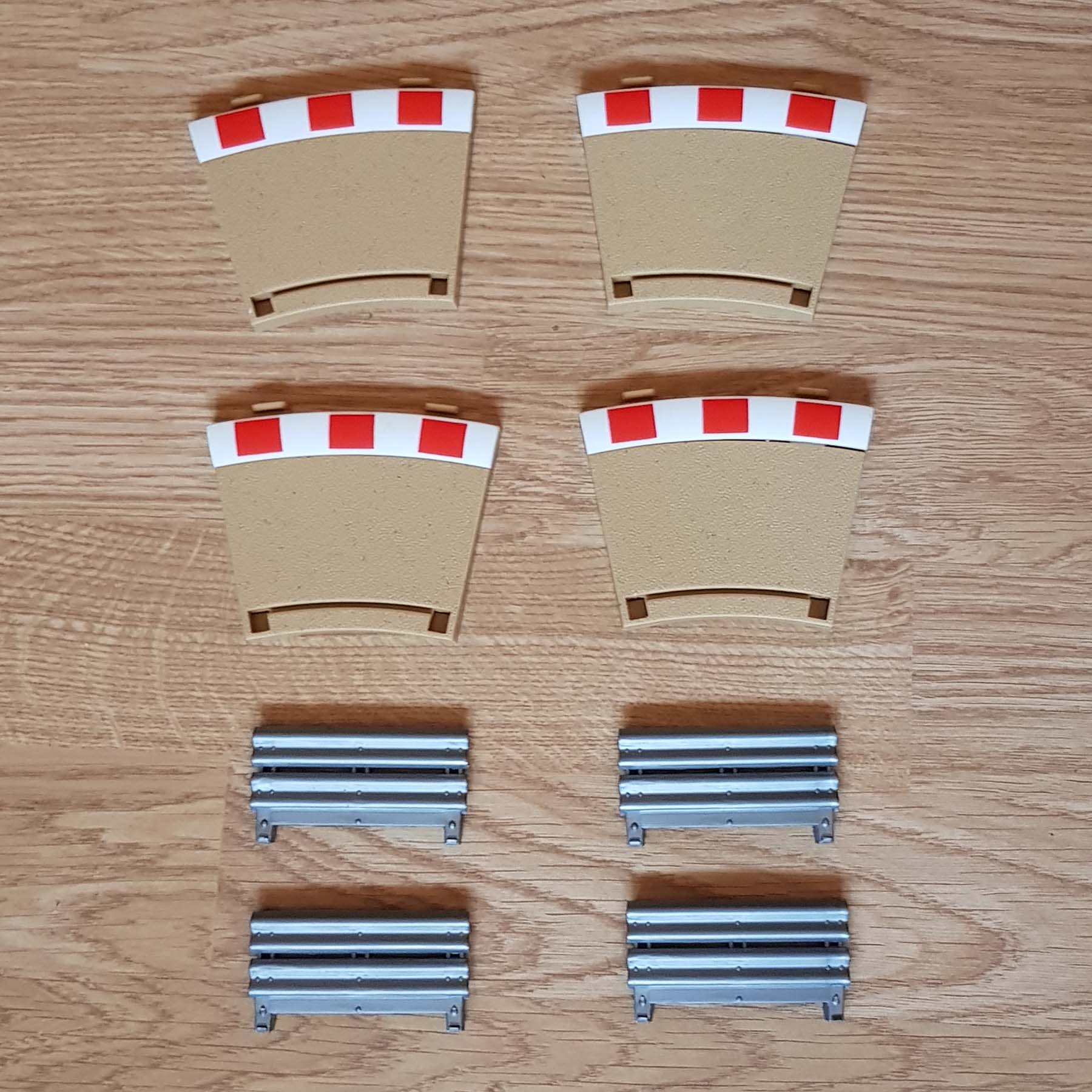
Pack of four borders and barriers.
To suit 1:32 scale Scalextric Sport track.
Product Info
The Scalextric C8280 pack includes durable track borders and safety barriers designed to fit standard Scalextric Sport curve sections. This set of four inner borders is specifically designed for Radius 2 Curve 22.5º track pieces. Manufactured from high-quality materials for long-lasting use, the components provide extra run-off space around bends while helping reduce cars leaving the circuit during competitive racing.
Featuring a convenient push-fit connection system, Scalextric C8280 integrates seamlessly into your existing layout without requiring tools or permanent modifications. The borders attach securely to compatible Sport track sections, allowing fast installation and easy removal when adjusting circuit designs. Suitable for analogue and digital Scalextric Sport systems, these accessories are ideal for home racers looking to improve circuit safety and enhance overall presentation.
Key Features & Benefits
- Compatible with Scalextric Sport 1:32 scale track systems
- Includes borders and safety barriers for curve sections
- Push-fit design for quick installation
- Improves racing safety and track realism
- Durable construction for repeated use
- Ideal for analogue and digital layouts
Compatible with:
- Scalextric Sport track C8234
- Scalextric analogue
- Scalextric Digital
FAQs
Q: What does Scalextric C8280 include?
A: The pack contains track borders and safety barriers for compatible Scalextric Sport curve sections.
Q: Is Scalextric C8280 compatible with digital layouts?
A: Yes, it works with analogue, digital, ARC AIR, and ARC PRO Sport systems.
Q: Does the push-fit system require tools?
A: No, the borders and barriers connect easily using the standard push-fit design.
Delivery & Returns
Delivery & Returns
Delivered within 3-5 working days to all of the UK.
Order before 2pm for up to 2 working days. Usually next day.
Tracked delivery. If you require a quicker delivery, please ask.
No sorry.
We want you to be totally satisfied with every purchase you make from us. If you are not completely happy with your purchase, please contact us within 14 days of delivery. We offer a no quibble return policy within 14 days. Please click Here for full details of our returns policy.
Safety & minimum age information
Safety & minimum age information
Minimum Age
For safety reasons, many slot car products contain small parts and electronic components that may not be suitable for very young children. Not suitable for children under 3 years old because small parts may present a choking hazard.
Recommended age guidance:
My First Scalextric – Age 3+
Micro Scalextric – Age 4+
Scalextric Sport & SCX – Age 5+
Scalextric Digital, Carrera Evolution & Carrera Digital – Age 8+
NINCO & Carrera – Age 6+
FLY & AUTOart – Age 14+
These recommendations help ensure safe and appropriate use of slot car products.
Safety Information
Some components may have functional sharp edges or points, so please handle them carefully. Following basic safety guidelines helps prevent injury and damage to your equipment.
Misuse of a transformer can cause electrical shock, and incorrect use of the product may result in hot surfaces. For safe operation, always follow the manufacturer’s instructions.
Important Warnings
All Scalextric products and other items we sell are intended for indoor use only.
If the electric motor in a car becomes jammed, remove the car from the track and allow it to cool down before handling. Do not touch the motor casing immediately after use as it may be hot.
The transformer is not a toy. It is a transformer for toys and must be checked before use to ensure it matches your mains electricity supply voltage. For safety, only use the transformer supplied with the set or a recommended replacement from the manufacturer. Transformers should be inspected regularly for damage to the casing, plug pins, or cables. If damage is found, stop using the set until the transformer has been replaced.
Never attempt to open the transformer yourself.
Scalextric sets must not be connected to more than the recommended number of power supplies. The transformer output must not be connected directly or indirectly to another AC circuit derived from a mains power supply.
Always follow instructions and do not modify or alter any part of a set. For continued safety, use only genuine Scalextric spare parts and accessories.
Hand controllers may become warm, emit vapour, or produce a slight smell during use. This is normal due to protective coatings on internal components and usually disappears after use.
Before cleaning any part of the set, disconnect the transformer from the mains supply. Do not use liquid cleaners.
Repairing and Maintenance
When repairing or maintaining Scalextric cars and tracks, safety should always be the first priority. Following these guidelines can help prevent accidents and damage to your equipment.
Disconnect Power: Always unplug the track and power supply before working on cars or track sections.
Use Proper Tools: Use appropriate tools such as precision screwdrivers and pliers designed for small electronic repairs.
Work in a Clean Area: Keep your workspace tidy to reduce the risk of losing small parts or causing accidents.
Handle Components Carefully: Electronic parts, especially chips, should be handled carefully to avoid damage from static electricity.
Follow Instructions: Always refer to manufacturer instructions before attempting repairs or modifications.
When soldering components, work in a well-ventilated area and use a proper soldering iron stand. Be careful of hot soldering irons and molten solder to avoid burns.
After repairs, check wiring for short circuits before reconnecting power. Regularly inspect cars and track pieces for signs of wear or damage and replace worn parts when necessary.
Avoid overloading the track with excessive power and ensure all wiring is secure and properly insulated. Good ventilation for electronic components helps prevent overheating during use.
Do not run cars continuously for long periods without breaks, as this may cause overheating.
By following these safety tips, you can maintain and repair your Scalextric equipment while reducing the risk of injury or damage.
For full and up-to-date information, please refer to the manufacturer’s guides.
Share