Scalextric C8510 Track Extension Pack 1 (C8193 C8203 C8228) Excellent
Scalextric C8510 Track Extension Pack 1 (C8193 C8203 C8228) Excellent
Impossible de charger la disponibilité du service de retrait
🏆🏁 Order and get 95 reward points 🏁🏆
Earn points by signing up for our rewards program
Scalextric C8510 Track Extension Pack 1
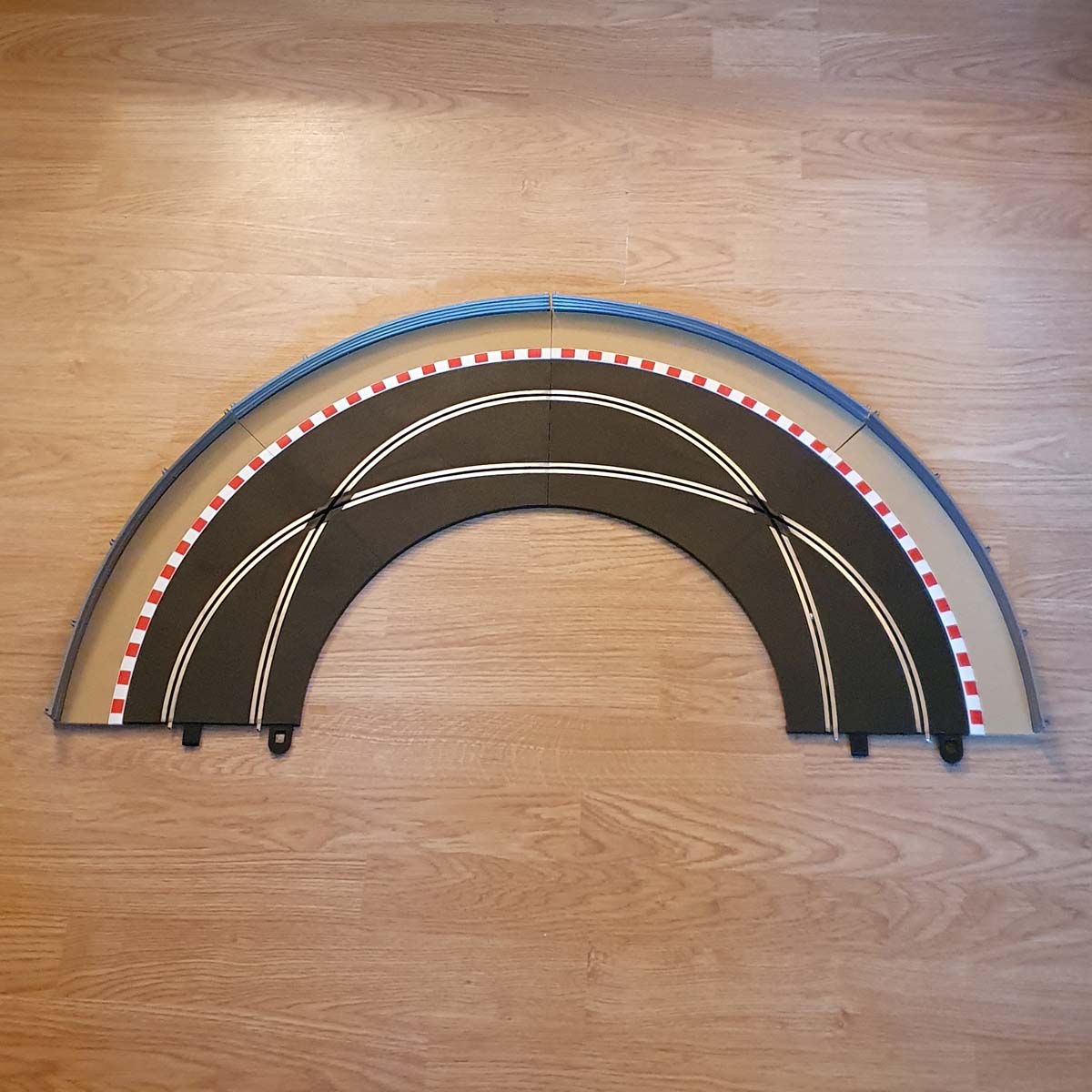
Scalextric C8510 in excellent used condition.
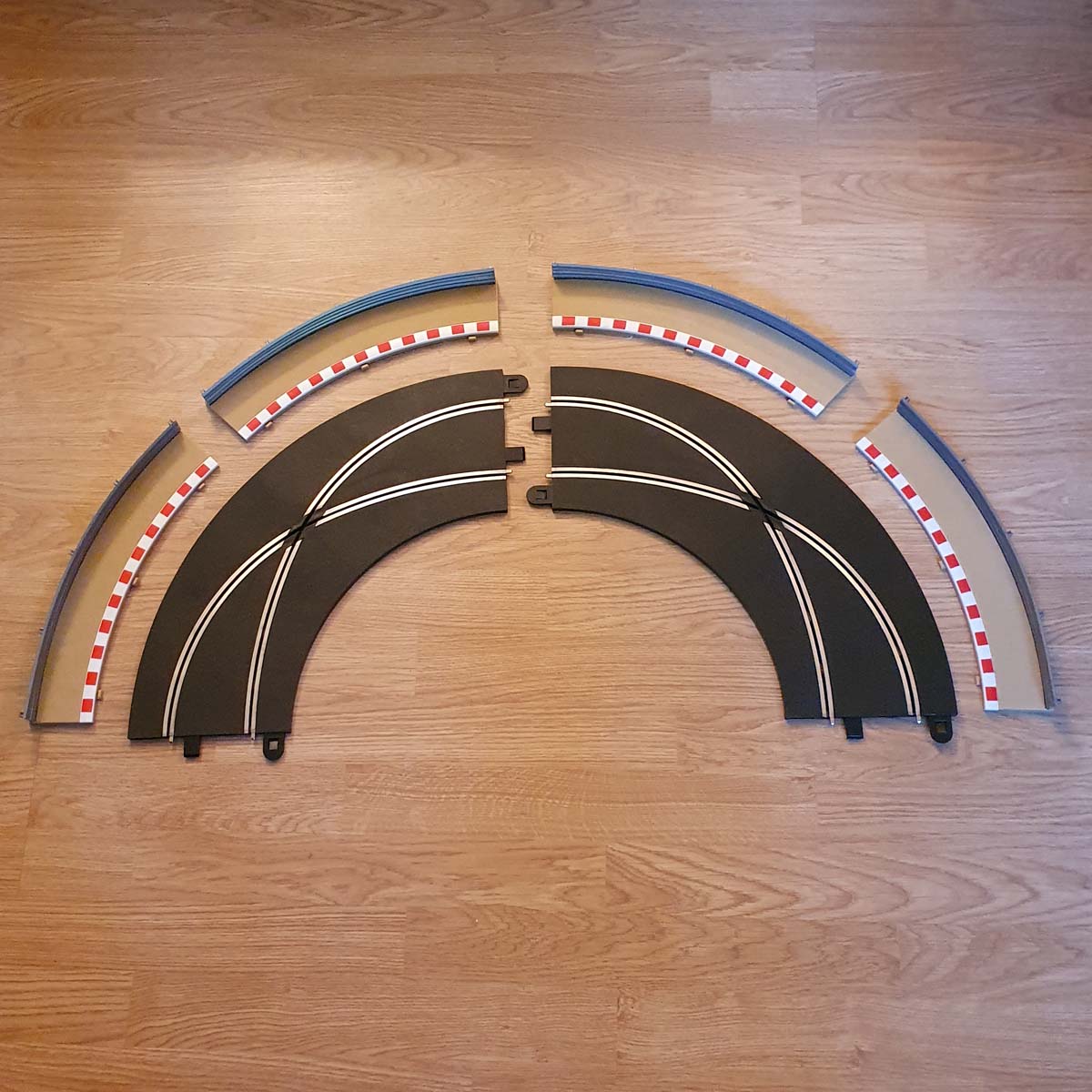
Two pieces of C8203 track and four C8228 borders with barriers.
No box but will be well wrapped for shipping.
Each piece of track is double the length of a standard C8206 Scalextric Sport curve.
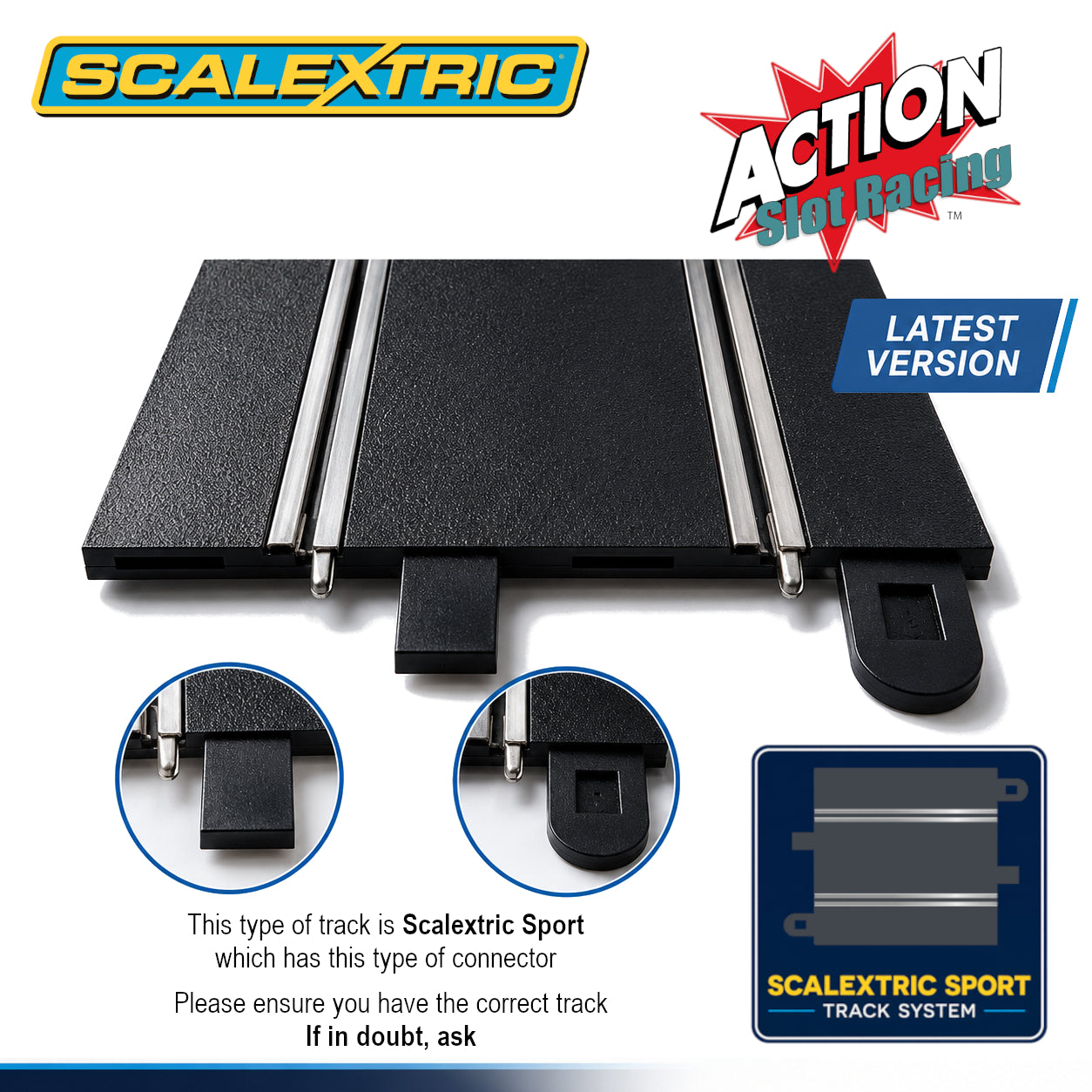
Scalextric Sport 1:32 scale track and borders.
Scalextric Sport C8510 Racing Crossovers must always be used in pairs on both digital and analogue layouts. A digital layout requires two independently powered lanes to function and using a single crossover will cause an electrical short circuit at the powerbase.
Product Info
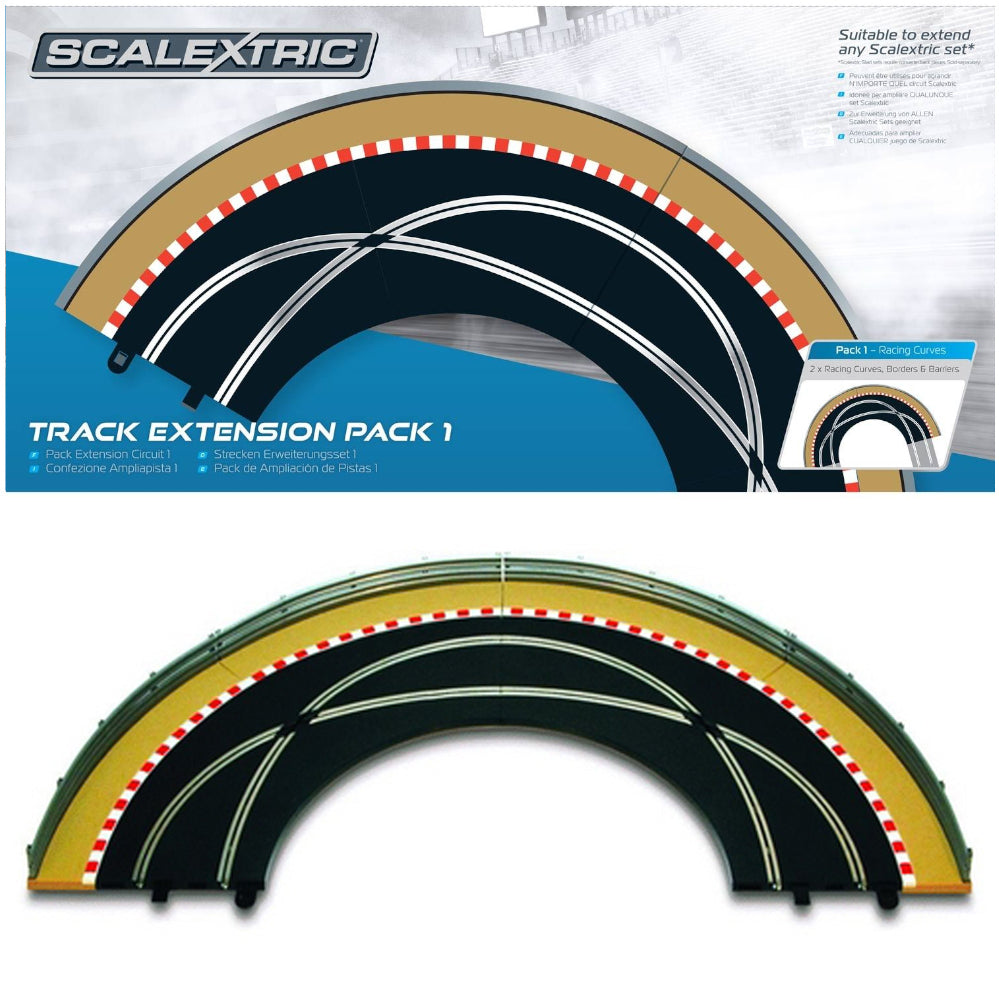
Scalextric C8510 is a versatile Track Extension Pack 1 designed to expand your Scalextric Sport circuit with smooth flowing curves and realistic trackside accessories. Whether you're enhancing a starter set or building a larger custom layout, Scalextric C8510 gives you greater flexibility to create more exciting racing lines and challenging corners. Featuring the dependable Scalextric push-fit connection system, every track section integrates seamlessly into your existing layout, ensuring secure connections and consistent electrical performance without the need for tools.
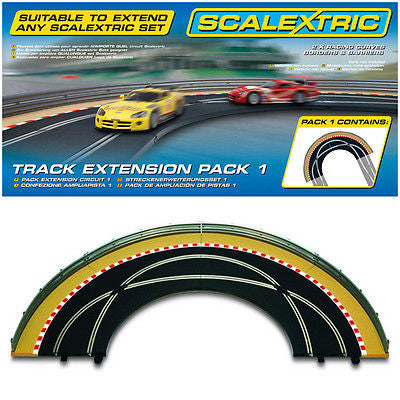
Designed for 1:32 scale Scalextric Sport circuits, the pack includes Radius 2 90° crossover curve sections with matching borders to create fast corners and a more realistic racing environment. The modular design also means it can be combined with additional Scalextric Track Extension Packs to create increasingly complex layouts as your collection grows. Compatible with both analogue and digital systems, it offers endless opportunities to customise your circuit.
Key Features / Benefits
- Curved racing crossover track section
- Push-fit system integrates seamlessly into existing layouts
- Creates exciting lane crossover racing action
- Compatible with Scalextric Sport analogue or digital systems
- Ideal for custom and technical track layouts
- Matching borders and barriers
What Is It Used For?
Scalextric C8510 is used to expand existing Scalextric Sport circuits by adding smooth Radius 2 crossover curves and matching borders. It helps create more varied layouts, improves racing flow and enhances the appearance of your slot car circuit.
FAQs
What does Scalextric C8510 do?
It creates curved crossover sections where slot cars cross lanes during cornering.
Is Scalextric C8510 compatible with digital systems?
Yes it works with digital and analogue Scalextric Sport layouts.
Does Scalextric C8510 connect easily to existing track?
Yes, the push-fit system allows fast and secure connection to Scalextric Sport track pieces.
Delivery & Returns
Delivery & Returns
Delivered within 3-5 working days to all of the UK.
Order before 2pm for up to 2 working days. Usually next day.
Tracked delivery. If you require a quicker delivery, please ask.
No sorry.
We want you to be totally satisfied with every purchase you make from us. If you are not completely happy with your purchase, please contact us within 14 days of delivery. We offer a no quibble return policy within 14 days. Please click Here for full details of our returns policy.
Safety & minimum age information
Safety & minimum age information
Minimum Age
For safety reasons, many slot car products contain small parts and electronic components that may not be suitable for very young children. Not suitable for children under 3 years old because small parts may present a choking hazard.
Recommended age guidance:
My First Scalextric – Age 3+
Micro Scalextric – Age 4+
Scalextric Sport & SCX – Age 5+
Scalextric Digital, Carrera Evolution & Carrera Digital – Age 8+
NINCO & Carrera – Age 6+
FLY & AUTOart – Age 14+
These recommendations help ensure safe and appropriate use of slot car products.
Safety Information
Some components may have functional sharp edges or points, so please handle them carefully. Following basic safety guidelines helps prevent injury and damage to your equipment.
Misuse of a transformer can cause electrical shock, and incorrect use of the product may result in hot surfaces. For safe operation, always follow the manufacturer’s instructions.
Important Warnings
All Scalextric products and other items we sell are intended for indoor use only.
If the electric motor in a car becomes jammed, remove the car from the track and allow it to cool down before handling. Do not touch the motor casing immediately after use as it may be hot.
The transformer is not a toy. It is a transformer for toys and must be checked before use to ensure it matches your mains electricity supply voltage. For safety, only use the transformer supplied with the set or a recommended replacement from the manufacturer. Transformers should be inspected regularly for damage to the casing, plug pins, or cables. If damage is found, stop using the set until the transformer has been replaced.
Never attempt to open the transformer yourself.
Scalextric sets must not be connected to more than the recommended number of power supplies. The transformer output must not be connected directly or indirectly to another AC circuit derived from a mains power supply.
Always follow instructions and do not modify or alter any part of a set. For continued safety, use only genuine Scalextric spare parts and accessories.
Hand controllers may become warm, emit vapour, or produce a slight smell during use. This is normal due to protective coatings on internal components and usually disappears after use.
Before cleaning any part of the set, disconnect the transformer from the mains supply. Do not use liquid cleaners.
Repairing and Maintenance
When repairing or maintaining Scalextric cars and tracks, safety should always be the first priority. Following these guidelines can help prevent accidents and damage to your equipment.
Disconnect Power: Always unplug the track and power supply before working on cars or track sections.
Use Proper Tools: Use appropriate tools such as precision screwdrivers and pliers designed for small electronic repairs.
Work in a Clean Area: Keep your workspace tidy to reduce the risk of losing small parts or causing accidents.
Handle Components Carefully: Electronic parts, especially chips, should be handled carefully to avoid damage from static electricity.
Follow Instructions: Always refer to manufacturer instructions before attempting repairs or modifications.
When soldering components, work in a well-ventilated area and use a proper soldering iron stand. Be careful of hot soldering irons and molten solder to avoid burns.
After repairs, check wiring for short circuits before reconnecting power. Regularly inspect cars and track pieces for signs of wear or damage and replace worn parts when necessary.
Avoid overloading the track with excessive power and ensure all wiring is secure and properly insulated. Good ventilation for electronic components helps prevent overheating during use.
Do not run cars continuously for long periods without breaks, as this may cause overheating.
By following these safety tips, you can maintain and repair your Scalextric equipment while reducing the risk of injury or damage.
For full and up-to-date information, please refer to the manufacturer’s guides.
Share