Scalextric C8191 Crash Barrier Pack - 6 Extra Long & 6 Short NEW
Scalextric C8191 Crash Barrier Pack - 6 Extra Long & 6 Short NEW
Couldn't load pickup availability
🏆🏁 Order and get 50 reward points 🏁🏆
Earn points by signing up for our rewards program
Scalextric C8191 Crash Barrier Pack - 6 Extra Long & 6 Short
Scalextric C8191 Brand new without packaging.
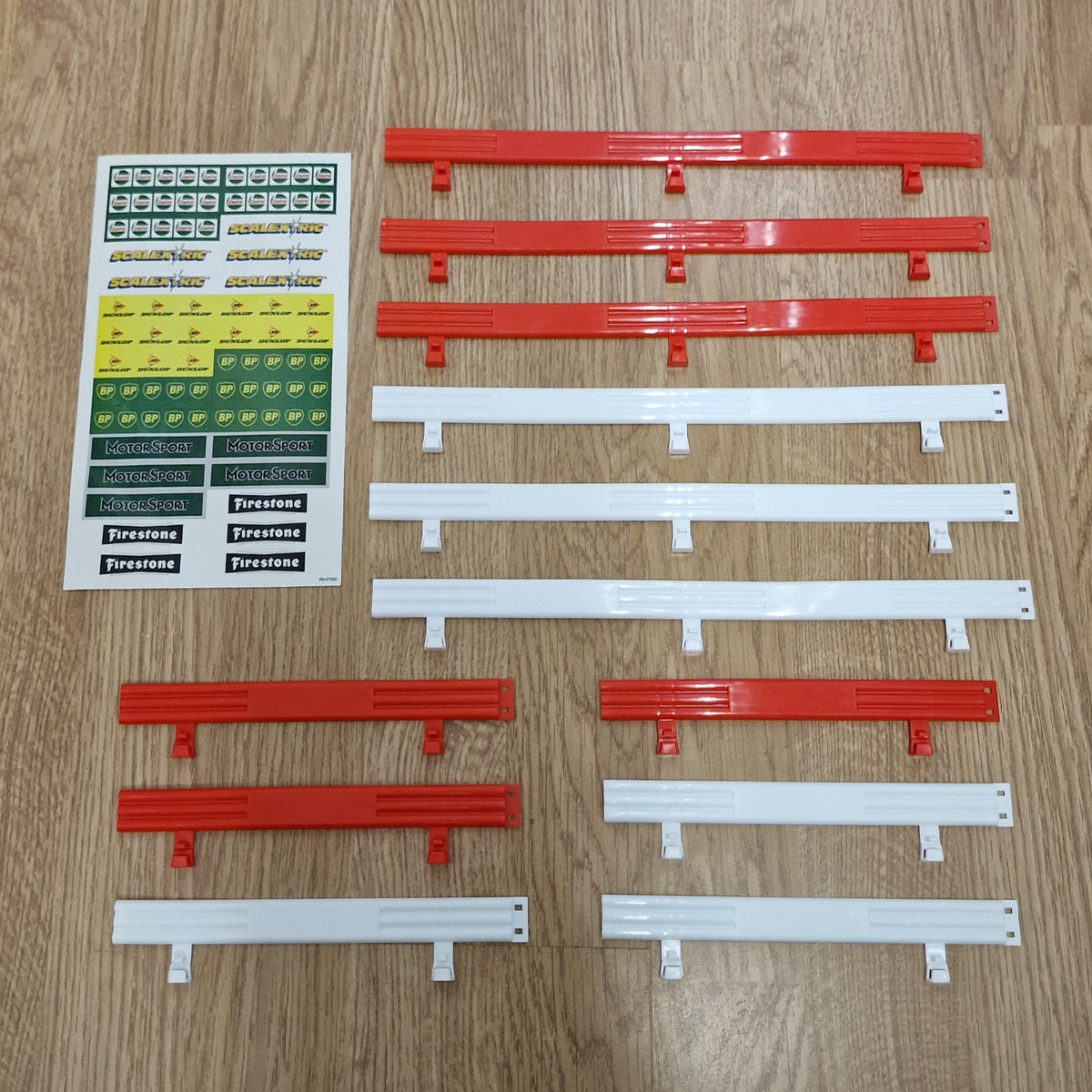
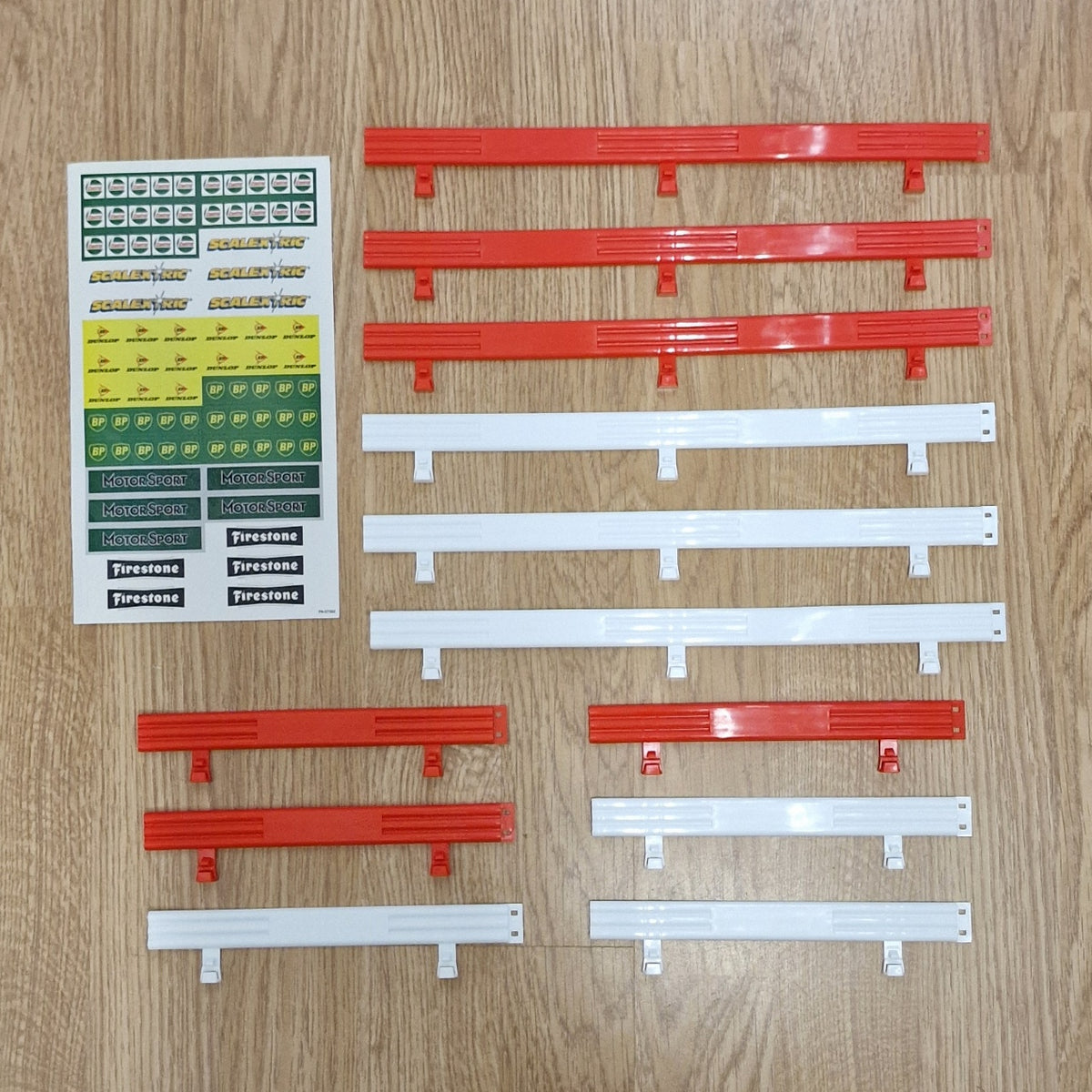
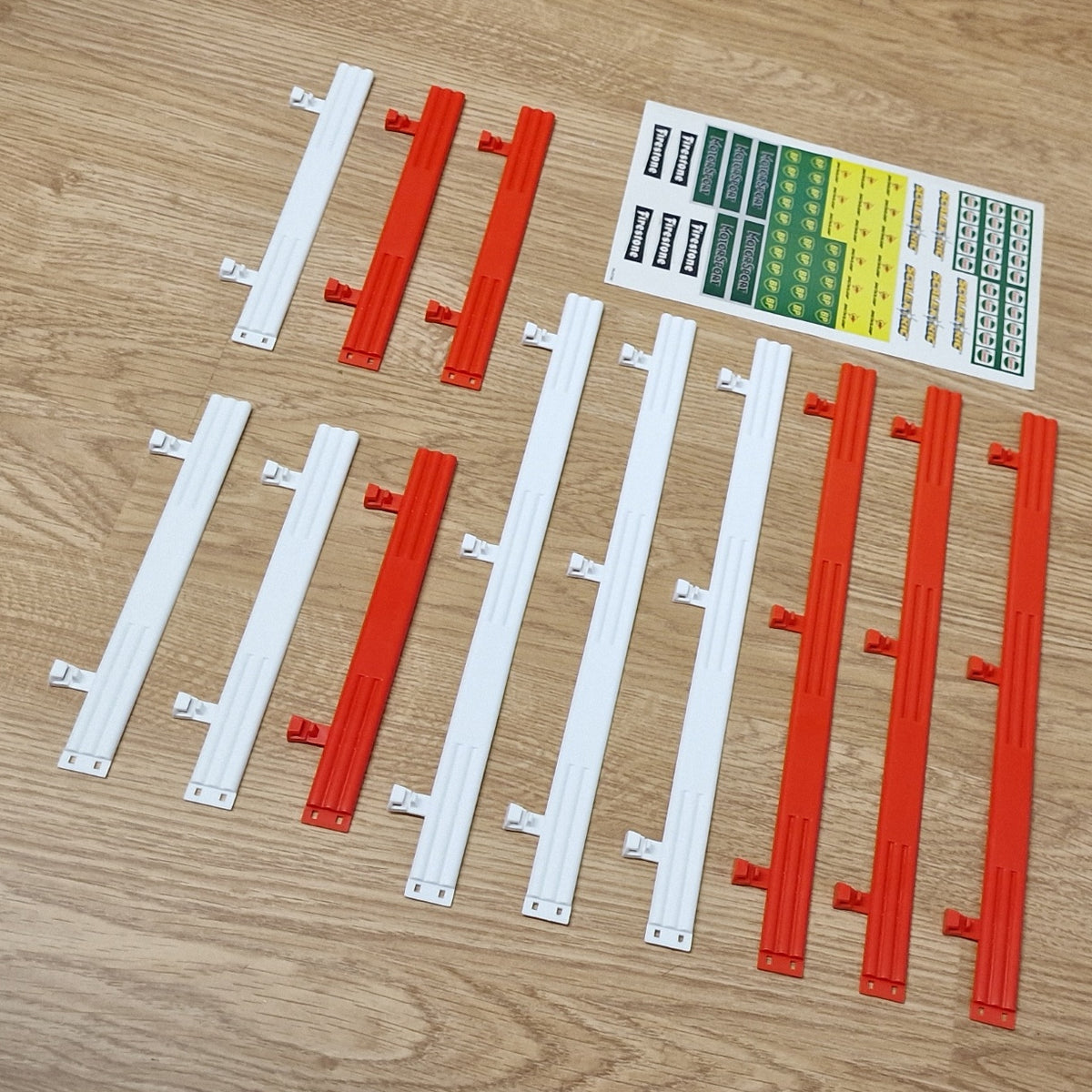
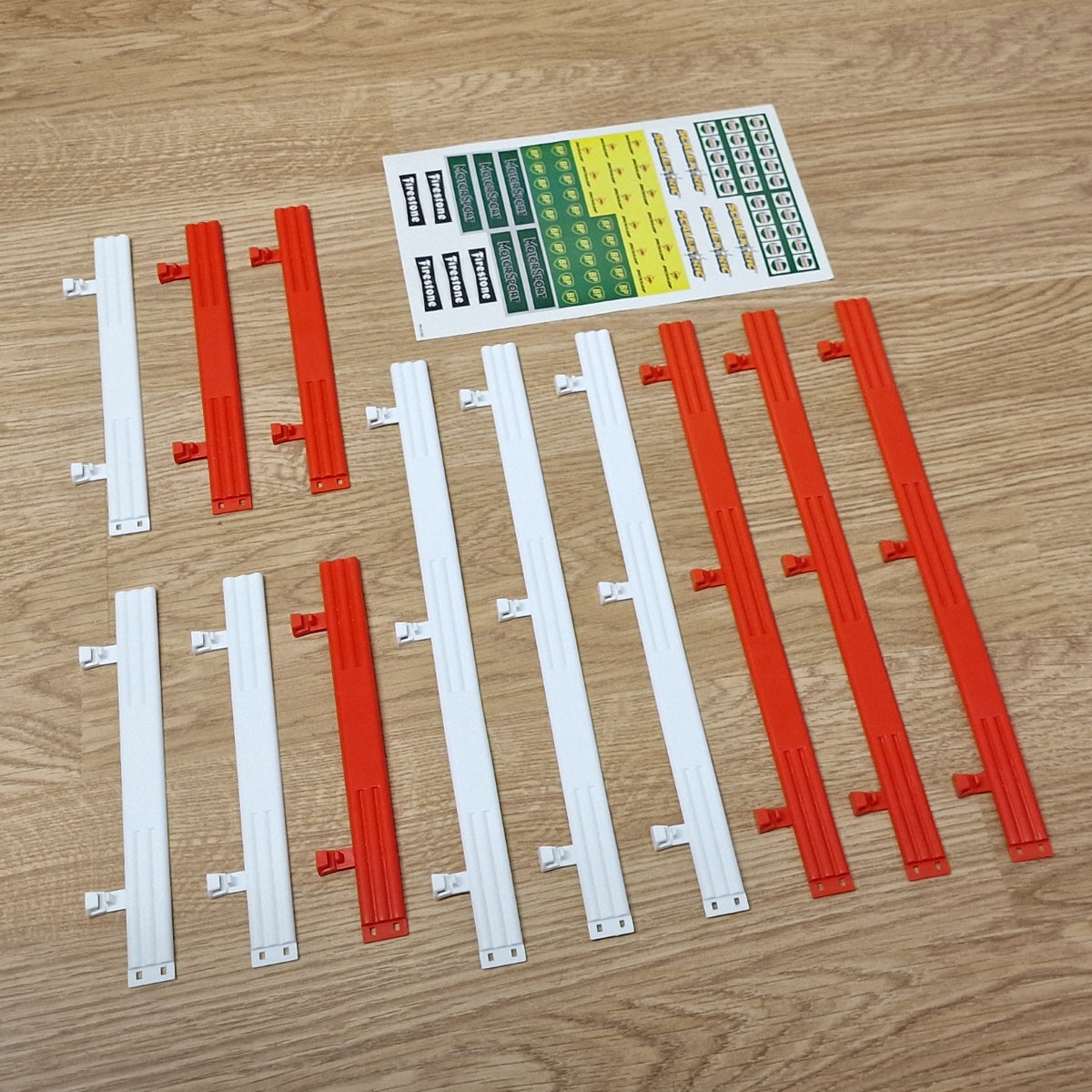
You will receive everything shown in the photo - Stickers, 6 red and 6 white.
These barriers connect to Scalextric Sport & Scalextric Classic.
No original box but will be well wrapped for shipping.
Suitable for Scalextric Sport 1:32 scale track.
Product Info
Scalextric C8191 Crash Barriers are designed to provide practical protection around the edges of a Scalextric track layout. These barriers help prevent cars that leave the slot from sliding onto the floor, while the period-style sponsor graphics add authentic motorsport detail to your circuit.
Scalextric C8191 is suitable for modern Scalextric track systems and can be easily attached and removed, making it convenient when changing or storing a layout. The barriers are particularly useful around corners and other sections where cars may be more likely to leave the track. The overall product dimensions are long barriers measuring 290mm and short barriers measuring 168mm.
FAQs
Do these fit Scalextric Sport track?
Yes. They are designed for use with modern Scalextric track layouts.
What size are the barriers?
The long barriers are 290mm and the short barriers are 168mm.
What are Scalextric C8191 barriers used for?
They are used to help prevent cars leaving the track and to add realistic trackside detail.
Delivery & Returns
Delivery & Returns
Delivered within 3-5 working days to all of the UK.
Order before 2pm for up to 2 working days. Usually next day.
Tracked delivery. If you require a quicker delivery, please ask.
No sorry.
We want you to be totally satisfied with every purchase you make from us. If you are not completely happy with your purchase, please contact us within 14 days of delivery. We offer a no quibble return policy within 14 days. Please click Here for full details of our returns policy.
Safety & minimum age information
Safety & minimum age information
Minimum Age
For safety reasons, many slot car products contain small parts and electronic components that may not be suitable for very young children. Not suitable for children under 3 years old because small parts may present a choking hazard.
Recommended age guidance:
My First Scalextric – Age 3+
Micro Scalextric – Age 4+
Scalextric Sport & SCX – Age 5+
Scalextric Digital, Carrera Evolution & Carrera Digital – Age 8+
NINCO & Carrera – Age 6+
FLY & AUTOart – Age 14+
These recommendations help ensure safe and appropriate use of slot car products.
Safety Information
Some components may have functional sharp edges or points, so please handle them carefully. Following basic safety guidelines helps prevent injury and damage to your equipment.
Misuse of a transformer can cause electrical shock, and incorrect use of the product may result in hot surfaces. For safe operation, always follow the manufacturer’s instructions.
Important Warnings
All Scalextric products and other items we sell are intended for indoor use only.
If the electric motor in a car becomes jammed, remove the car from the track and allow it to cool down before handling. Do not touch the motor casing immediately after use as it may be hot.
The transformer is not a toy. It is a transformer for toys and must be checked before use to ensure it matches your mains electricity supply voltage. For safety, only use the transformer supplied with the set or a recommended replacement from the manufacturer. Transformers should be inspected regularly for damage to the casing, plug pins, or cables. If damage is found, stop using the set until the transformer has been replaced.
Never attempt to open the transformer yourself.
Scalextric sets must not be connected to more than the recommended number of power supplies. The transformer output must not be connected directly or indirectly to another AC circuit derived from a mains power supply.
Always follow instructions and do not modify or alter any part of a set. For continued safety, use only genuine Scalextric spare parts and accessories.
Hand controllers may become warm, emit vapour, or produce a slight smell during use. This is normal due to protective coatings on internal components and usually disappears after use.
Before cleaning any part of the set, disconnect the transformer from the mains supply. Do not use liquid cleaners.
Repairing and Maintenance
When repairing or maintaining Scalextric cars and tracks, safety should always be the first priority. Following these guidelines can help prevent accidents and damage to your equipment.
Disconnect Power: Always unplug the track and power supply before working on cars or track sections.
Use Proper Tools: Use appropriate tools such as precision screwdrivers and pliers designed for small electronic repairs.
Work in a Clean Area: Keep your workspace tidy to reduce the risk of losing small parts or causing accidents.
Handle Components Carefully: Electronic parts, especially chips, should be handled carefully to avoid damage from static electricity.
Follow Instructions: Always refer to manufacturer instructions before attempting repairs or modifications.
When soldering components, work in a well-ventilated area and use a proper soldering iron stand. Be careful of hot soldering irons and molten solder to avoid burns.
After repairs, check wiring for short circuits before reconnecting power. Regularly inspect cars and track pieces for signs of wear or damage and replace worn parts when necessary.
Avoid overloading the track with excessive power and ensure all wiring is secure and properly insulated. Good ventilation for electronic components helps prevent overheating during use.
Do not run cars continuously for long periods without breaks, as this may cause overheating.
By following these safety tips, you can maintain and repair your Scalextric equipment while reducing the risk of injury or damage.
For full and up-to-date information, please refer to the manufacturer’s guides.
Share